Sample Packs
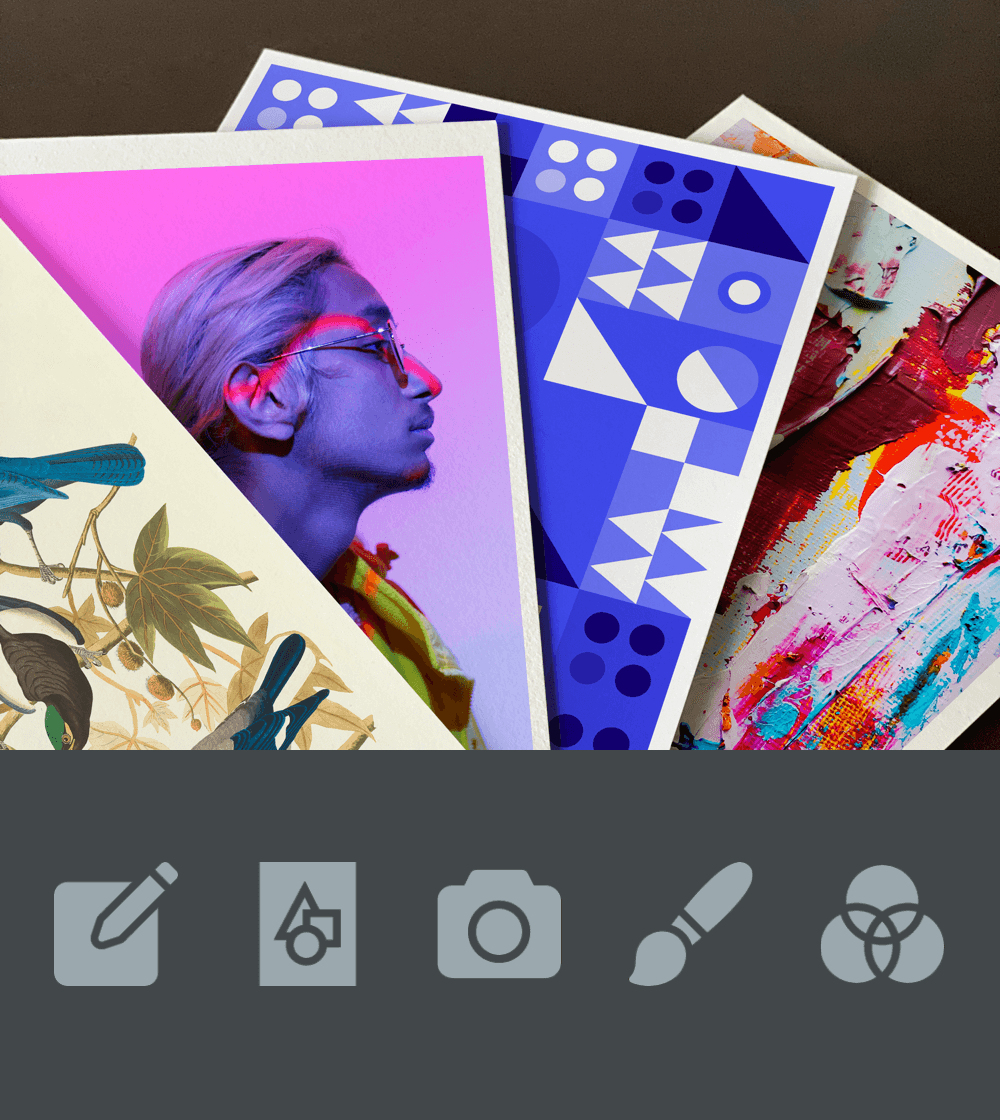
We offer five sample packs with different types of images printed on our Hahnemühle papers.
Contact usColour accuracy

Get the best impression possible of how your colours will turn out on paper.
Keep in mind that monitors can reproduce billions of colours and even the most advanced printers have a narrower colour gamut.

Highly recommended
It is ideal to have a professional IPS monitor to be able to achieve colour accuracy and consistency when editing your images and preparing your files for printing. To calibrate your monitor, you can choose to invite a professional, or to invest in a monitor calibrator (e.g. X-Rite i1Studio).
A calibrated IPS monitor will show the colours as close as possible to how they will be printed out.
Install
ICC profiles contain information about how the colours of a specific printer will look like on a specific paper. This way you can see how your image will turn out on a certain printer-paper combination. Read more
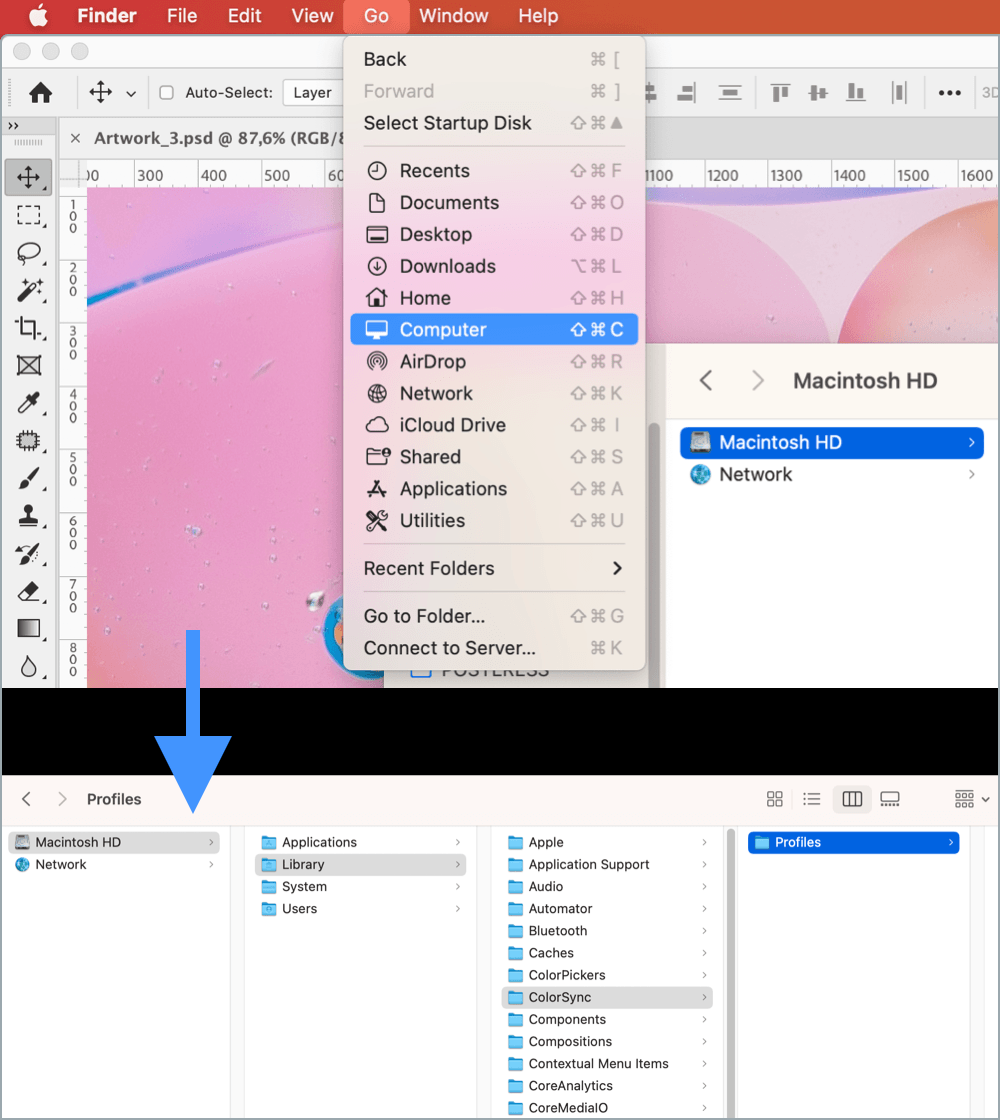
To install the ICC profiles, please copy the .icc files to the following directories:
macOS
Finder ➔ Go ➔ Computer
Macintosh HD/Library/ColorSync/Profiles
Windows 10
C:/Windows/system32/spool/drivers/color
Soft proofing in Photoshop
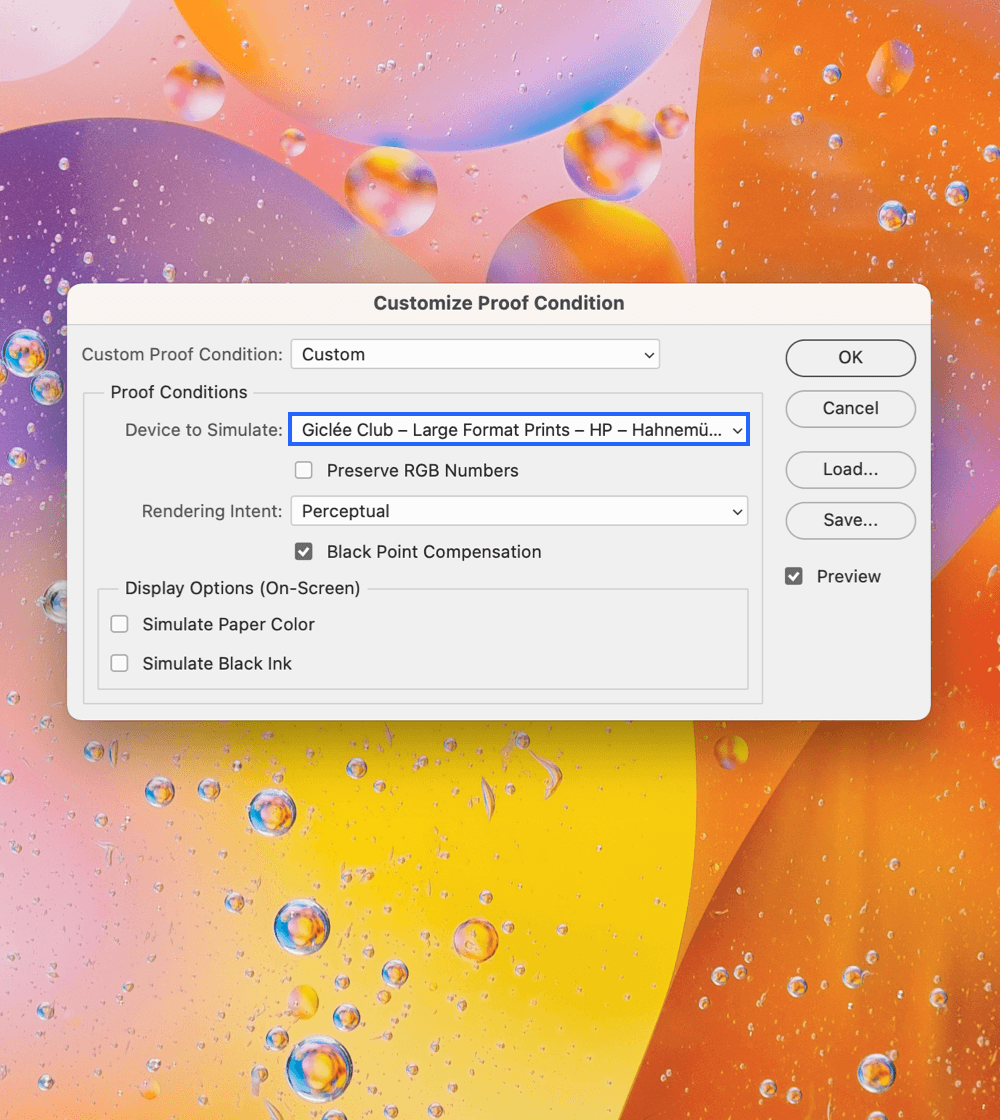
In order to use the ICC profile of your choice in Photoshop, click View ➔ Proof Setup ➔ Custom. This opens the Customize Proof Condition window where you can choose the desired ICC profile to simulate the colours of your future print.
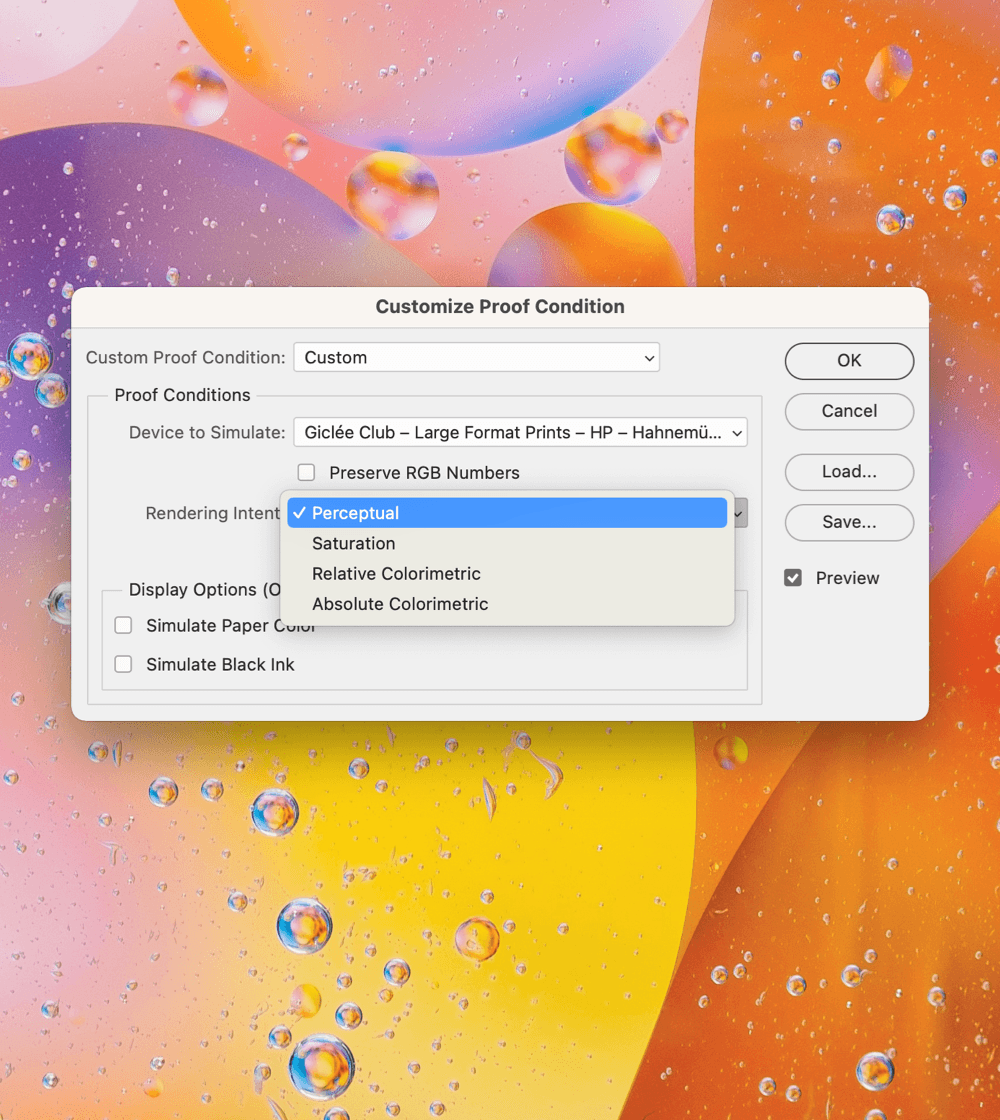
In this window, please untick Preserve RGB Numbers, tick Black Point Compensation and choose the Rendering Intent. You can read about Rendering Intents in the next section.
Choosing
There are only two rendering intents that are useful for Fine Art proof printing:
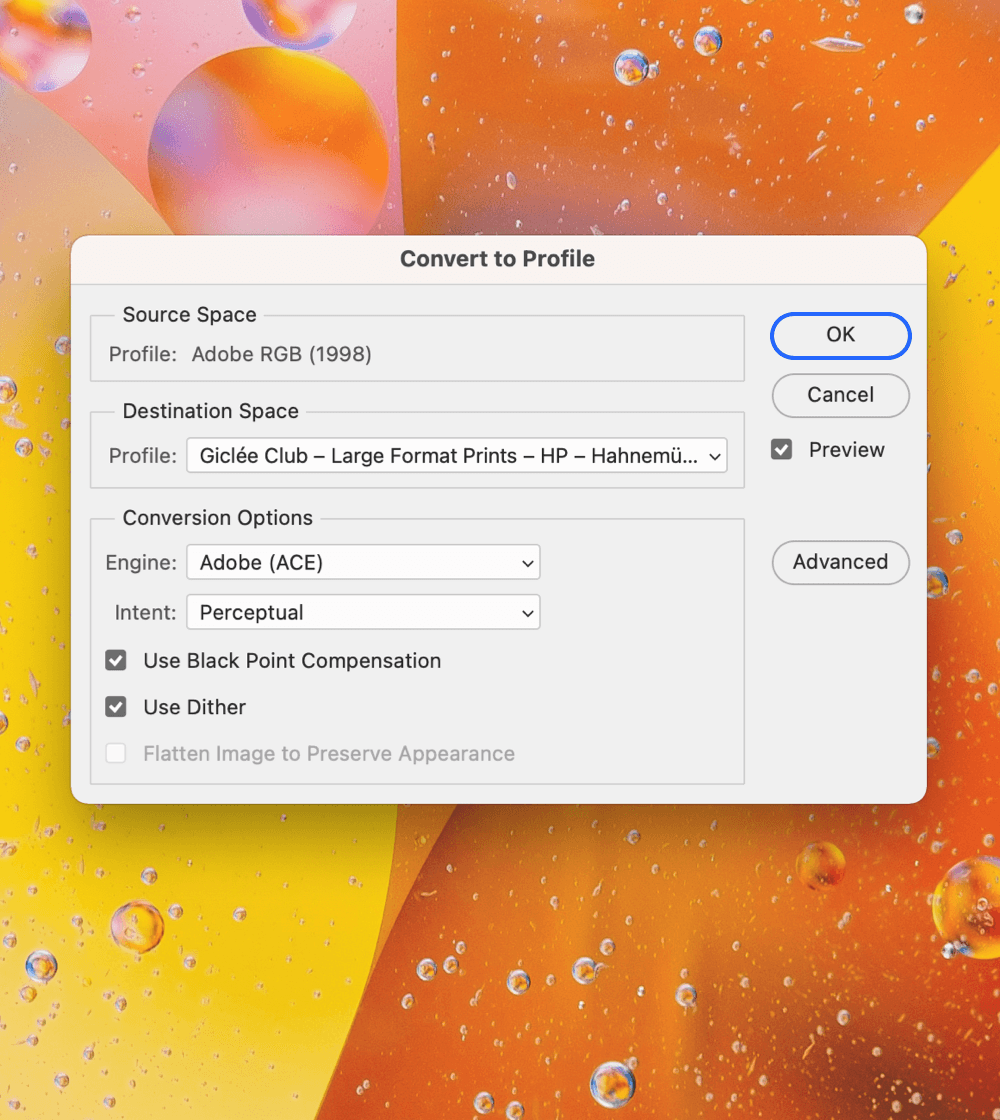
The last step
When you are happy with the result of your soft proofing, please convert the file to the ICC profile of your choice. In Photoshop, click Edit ➔ Convert to Profile. Finally, save your file.
When we receive this file we will be able to see which printer and paper combination you chose as we can read this information on the converted file.
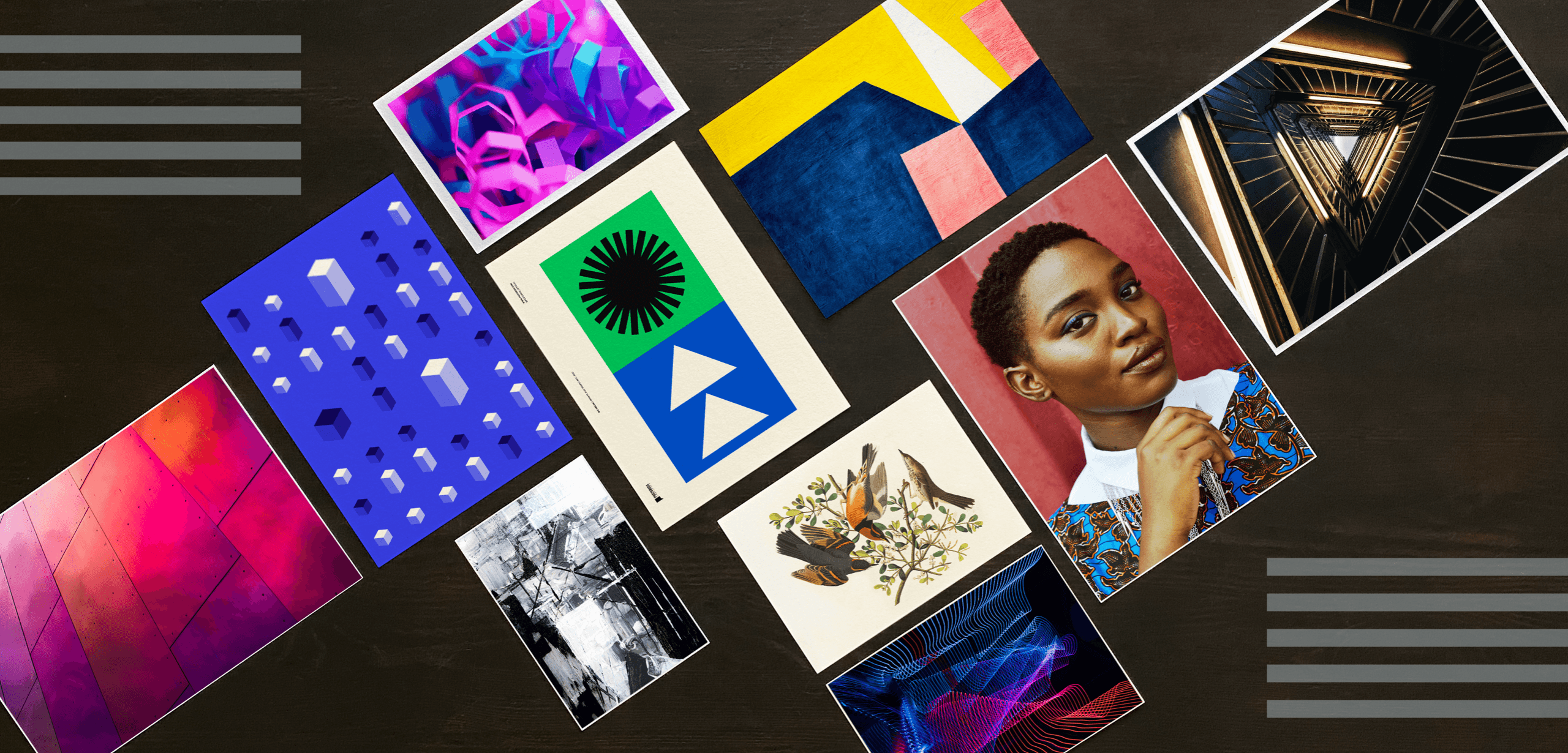
Art by Ryan Stone, MagicPattern, Steve Johnson, Sharon McCutcheon, Posteress, John James Audubon, Zak, Photo Boards, Prince Akachi, Akira Hojo
We offer five sample packs with different types of images printed on our Hahnemühle papers.
Contact us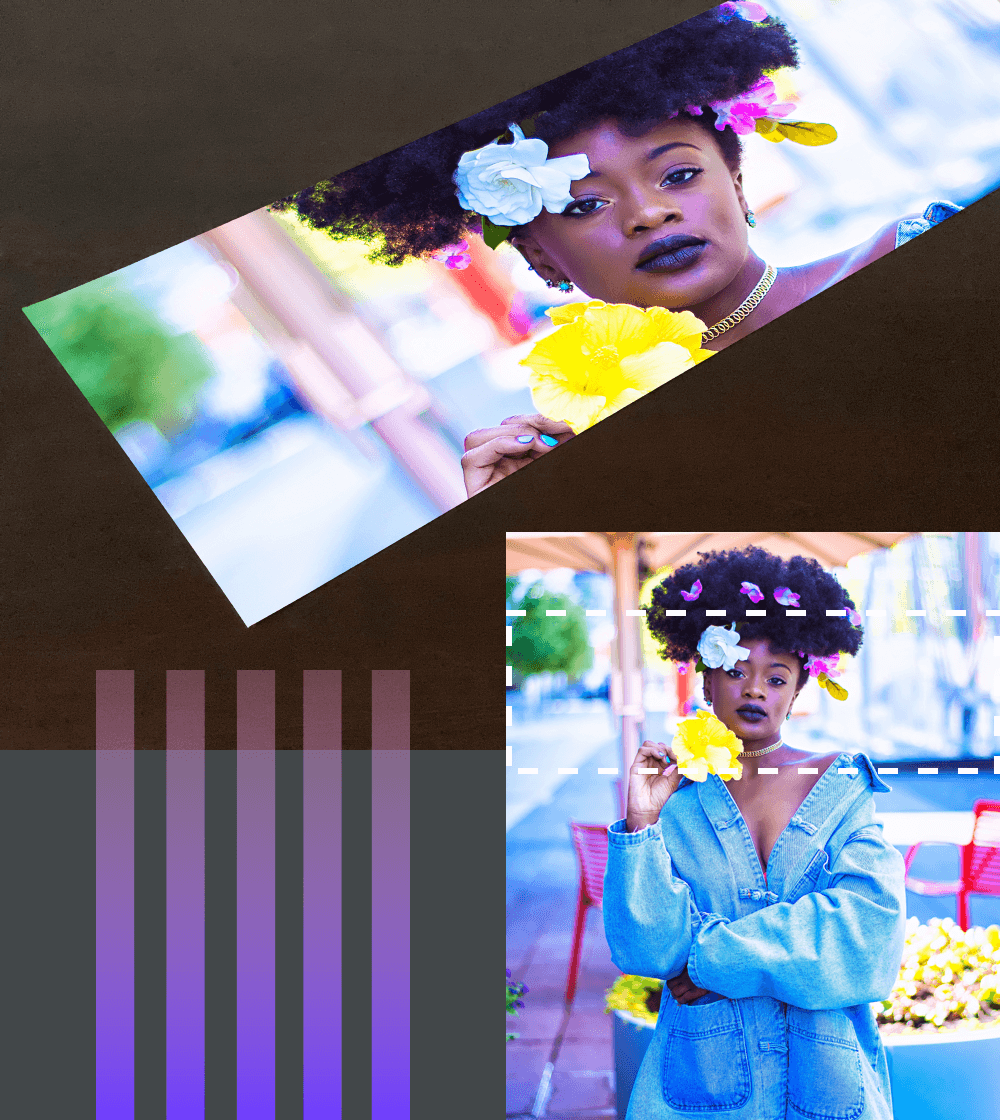
Ensure that your large format print meets your expectations regarding colour representation, sharpness and quality.
Contact us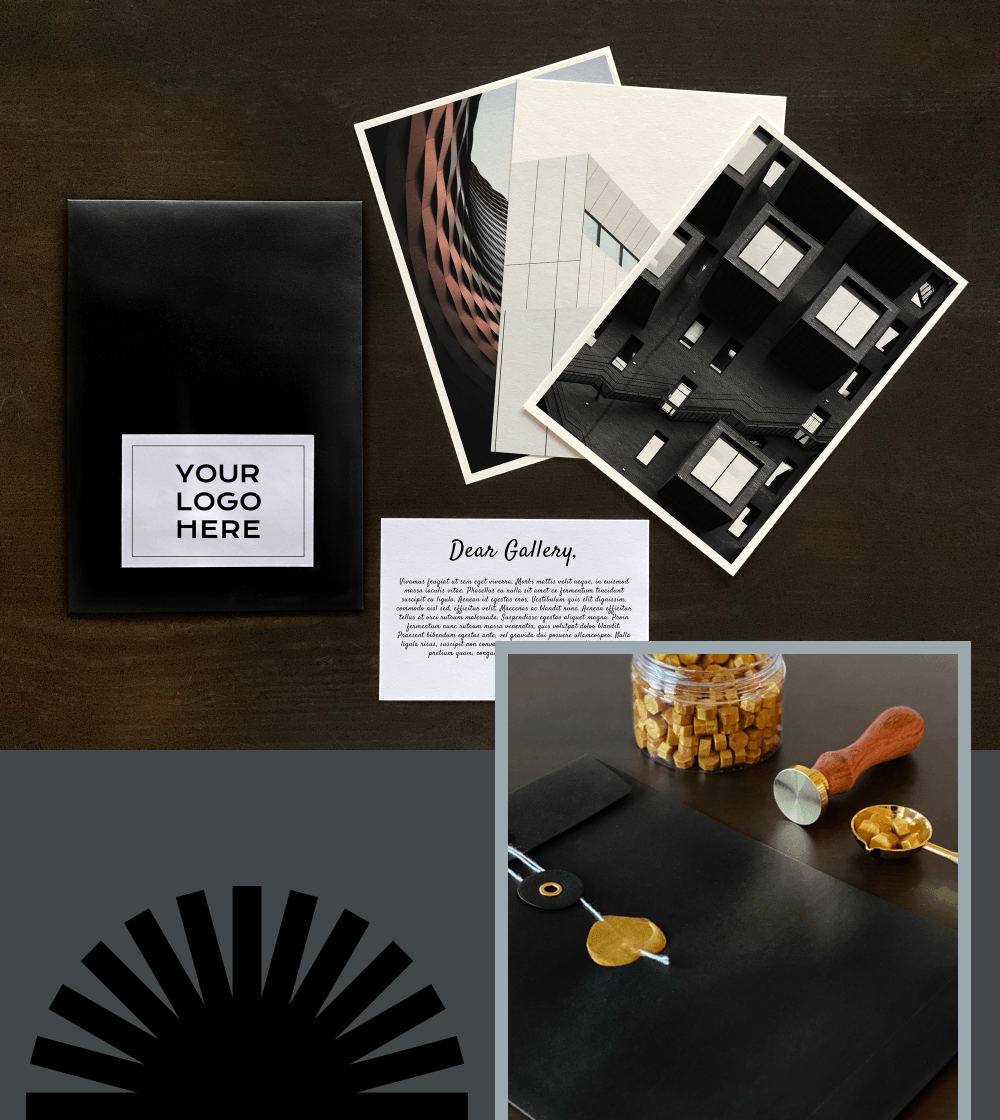
Give your work the presentation it deserves. In a stylish black envelope branded with your logo for maximum effect.
Contact us